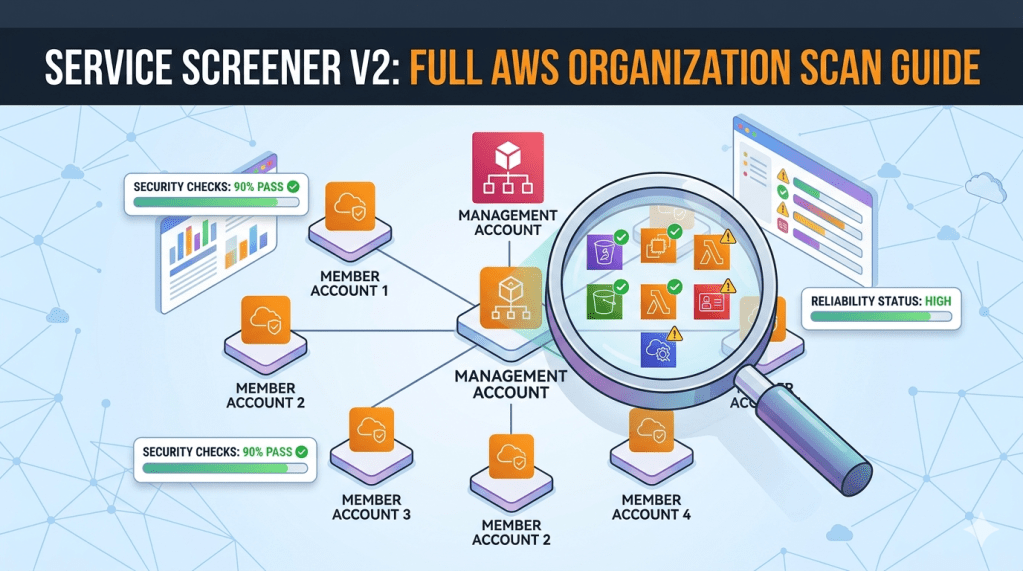
Run Service Screener across all accounts in your AWS Organization from a clean CloudShell session.
Prerequisites
- You are logged in to the management account
- Your IAM user/role has:
ReadOnlyAccessAWSCloudShellFullAccessorganizations:ListAccountsorganizations:EnableAWSServiceAccesssts:AssumeRoleiam:SetSecurityTokenServicePreferences(required if scanning non-default or ALL regions)cloudformation:CreateStack/cloudformation:DeleteStackcloudformation:CreateStackSet/cloudformation:CreateStackInstances
Step 1 — Launch CloudShell
- Log in to the AWS Management Console on your management account
- Click the CloudShell icon (top navigation bar) or go to: https://console.aws.amazon.com/cloudshell/
- Wait for the shell to initialize
Step 2 — Deploy the Cross-Account Role to All Member Accounts
Use CloudFormation StackSets to create a ServiceScreenerReadOnlyRole in every member account.
Get your root OU ID:
aws organizations list-roots --query 'Roots[0].Id' --output text
Enable StackSets trusted access (one-time):
aws organizations enable-aws-service-access \ --service-principal member.org.stacksets.cloudformation.amazonaws.com
Upload the template and create the StackSet:
Download
service-screener-cross-account-role.yamlfrom https://github.com/monstack/service-screener-v2/blob/main/service-screener-cross-account-role.yaml
aws cloudformation create-stack-set \ --stack-set-name ServiceScreenerRole \ --template-body file://service-screener-cross-account-role.yaml \ --parameters \ ParameterKey=ManagementAccountId,ParameterValue=YOUR_MGMT_ACCOUNT_ID \ ParameterKey=RoleName,ParameterValue=ServiceScreenerReadOnlyRole \ ParameterKey=ExternalId,ParameterValue="" \ --permission-model SERVICE_MANAGED \ --auto-deployment Enabled=true,RetainStacksOnAccountRemoval=false \ --capabilities CAPABILITY_NAMED_IAM
Deploy to all member accounts:
aws cloudformation create-stack-instances \ --stack-set-name ServiceScreenerRole \ --deployment-targets OrganizationalUnitIds=YOUR_ROOT_OU_ID \ --regions ap-southeast-1
Replace YOUR_MGMT_ACCOUNT_ID and YOUR_ROOT_OU_ID with your actual values.
Wait for deployment to complete:
aws cloudformation list-stack-set-operations \ --stack-set-name ServiceScreenerRole \ --query 'Summaries[0].Status'
Wait until it shows SUCCEEDED.
Verify (optional):
aws sts assume-role \ --role-arn arn:aws:iam::MEMBER_ACCOUNT_ID:role/ServiceScreenerReadOnlyRole \ --role-session-name test \ --query 'Credentials.AccessKeyId'
Note: StackSets with
SERVICE_MANAGEDdeploys to member accounts only, not the management account. This is fine — Service Screener scans the management account directly viaIncludeThisAccount: true. New accounts added to the Organization will automatically get the role viaauto-deployment.
Step 3 — Install Service Screener
cd /tmppython3 -m venv .source bin/activatepython3 -m pip install --upgrade piprm -rf service-screener-v2git clone https://github.com/aws-samples/service-screener-v2.gitcd service-screener-v2pip install -r requirements.txtpip install simple-term-menupython3 unzip_botocore_lambda_runtime.pyalias screener='python3 $(pwd)/main.py'
Step 4 — Generate the Cross-Accounts Config
Option A: Interactive (Recommended)
python3 organizationAccountsInit.py
When prompted:
- Use Space to select accounts, Enter to confirm
- Enter
ServiceScreenerReadOnlyRolewhen asked for the role name - Press Enter to skip External ID (leave blank)
Option B: Manual
cat > crossAccounts.json << 'EOF'{ "general": { "IncludeThisAccount": true, "RoleName": "ServiceScreenerReadOnlyRole", "ExternalId": "" }, "accountLists": { "111111111111": {}, "222222222222": {}, "333333333333": {} }}EOF
Replace the account IDs with your actual member account IDs.
| Field | Description |
|---|---|
IncludeThisAccount | true to also scan the management account you are running from |
RoleName | Must be ServiceScreenerReadOnlyRole (matching the deployed StackSet role) |
ExternalId | Optional. Leave "" if not required |
accountLists | Each key is a member account ID. Use {} to inherit general settings |
Step 5 — Run the Scan
Scan all services in all regions:
screener --regions ALL --crossAccounts 1
Scan all services in specific regions:
screener --regions ap-southeast-1,us-east-1 --crossAccounts 1
Scan specific services only:
screener --regions ALL --services s3,iam,ec2 --crossAccounts 1
Enable beta features (concurrent evaluator, API buttons):
screener --regions ALL --crossAccounts 1 --beta 1
With Well-Architected Tool integration:
screener --regions ALL --crossAccounts 1 --others '{"WA": {"region": "ap-southeast-1", "reportName": "OrgScan", "newMileStone": 1}}'
Step 6 — Download the Report
- The scan produces
output.zipin the project directory - In CloudShell, click Actions (top-right) → Download file
- Enter the path:
/tmp/service-screener-v2/output.zip- Unzip locally and open
index.htmlin your browser - Use the account dropdown in the report to switch between scanned accounts
The report also includes:
api-raw.json— raw findings per accountapi-full.json— full structured results per account
Cleanup
To remove the cross-account role from all member accounts:
aws cloudformation delete-stack-instances \ --stack-set-name ServiceScreenerRole \ --deployment-targets OrganizationalUnitIds=YOUR_ROOT_OU_ID \ --regions ap-southeast-1 \ --no-retain-stacks# Wait for deletion to complete, then:aws cloudformation delete-stack-set \ --stack-set-name ServiceScreenerRole
Reset / Clear Previous Scan Results
If a scan failed or you want to start fresh:
rm -rf /tmp/service-screener-v2/__fork/*rm -rf /tmp/service-screener-v2/adminlte/aws/[0-9]*rm -f /tmp/service-screener-v2/output.zip
If you exited the venv, re-activate before scanning again:
cd /tmpsource bin/activatecd service-screener-v2alias screener='python3 $(pwd)/main.py'
Troubleshooting
| Issue | Solution |
|---|---|
Unable to assume role | Verify the StackSet deployed successfully to that account |
Role already exists (StackSet) | Accounts created by Organizations may already have OrganizationAccountAccessRole. This won’t happen with ServiceScreenerReadOnlyRole |
InvalidClientTokenId | The STS token may not have propagated yet. The tool retries automatically for v2 tokens. Wait and retry |
AccessDenied on ListAccounts | Your management account IAM user/role needs organizations:ListAccounts permission |
GlobalEndpointTokenVersion warning | Expected when using --regions ALL. The tool temporarily switches to v2 tokens and resets after validation |
| CloudShell times out mid-scan | Large orgs may take a while. Consider scanning in batches by region or by groups of accounts |
simple-term-menu not found | Run pip install simple-term-menu before running organizationAccountsInit.py |
 MonStack